
To Schedule Pickup at Copart
Instructions for how to schedule vehicle delivery with your own driver or truck.Helpful Resource: How to Pick Up Your Copart Vehicle: A Step-by-Step GuideScheduling a Pickup
Step 1
Download App
- Download the Copart’s transportation app and create a new log in.
- After setting up your account, follow the steps to schedule an appointment with Copart for the pick up of the lot.
- Pickup must be scheduled through the Copart Transportation app once payment has cleared. Without an appointment, Copart will not release the lot.
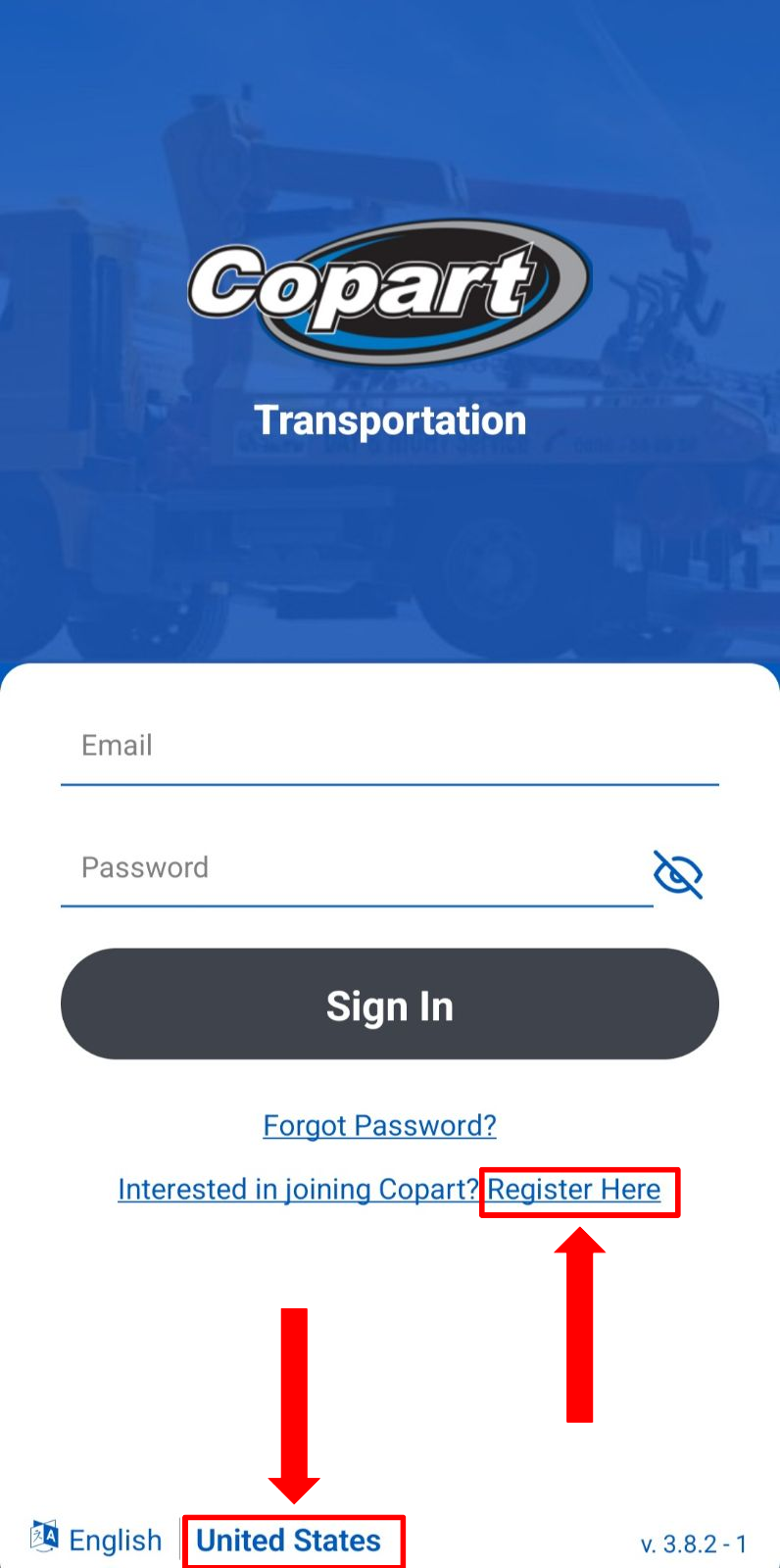
- Make sure you select United States at the bottom and click on Register:
Step 2
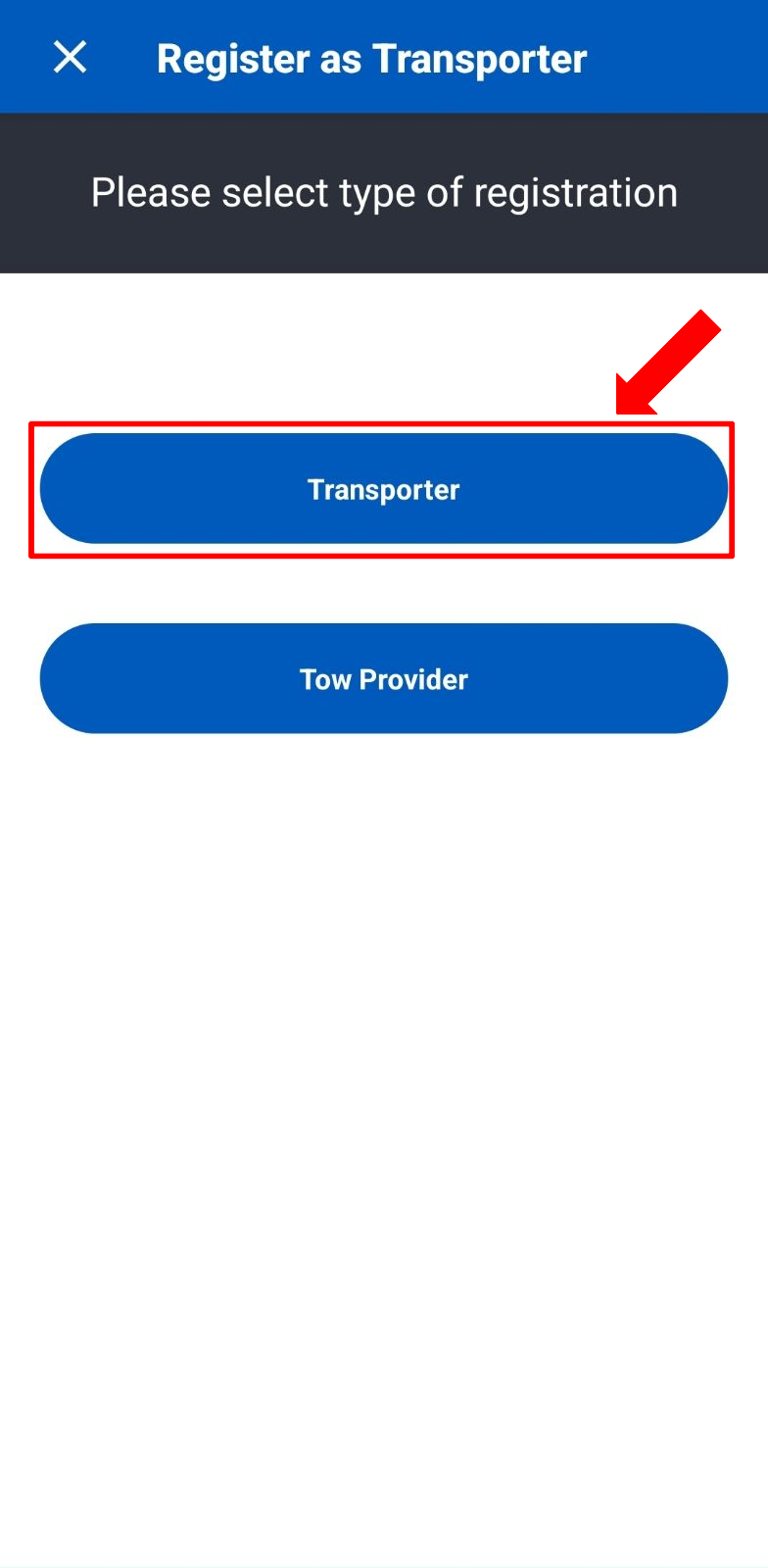
Transporter
- Select the first option Transporter
Step 3
Pickup Information
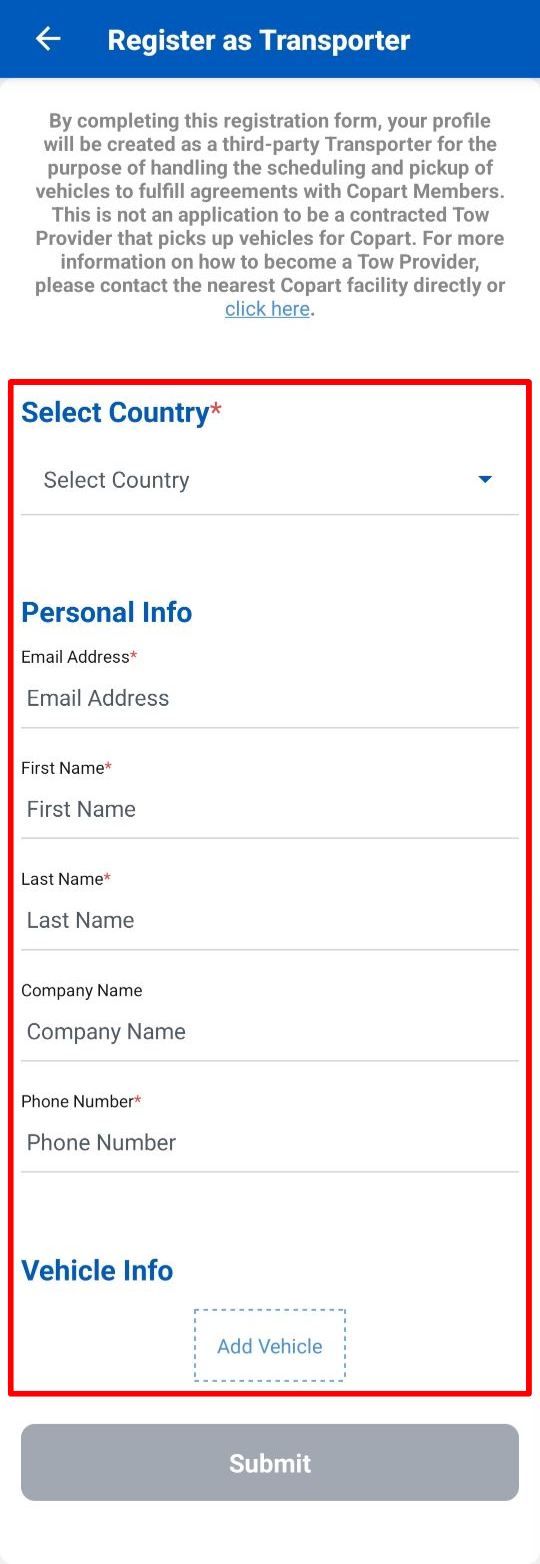
- Lastly add the information Copart requires and you will be prompt to the following section to select the date and time for pick up.